Is What I’m About to Click on Really Safe?
Is What I’m About to Click on Really Safe?
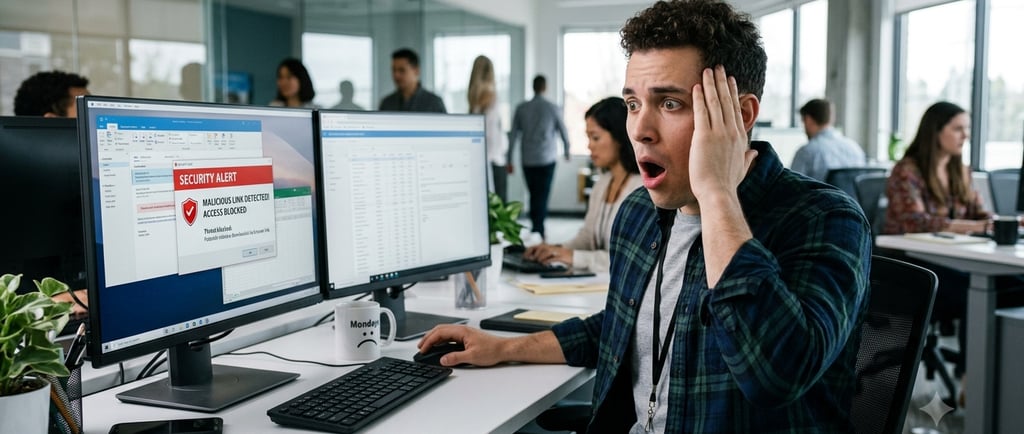
Most people click links without thinking twice. An email comes in, a text message pops up, or a website asks you to “verify” something, and the natural reaction is to click and move on. That quick click can sometimes be all it takes to open the door to a scam, fake login page, malware, or stolen account information.
Before clicking, take a moment and slow down. Ask yourself: Was I expecting this message? Does the sender look real? Is the wording strange or urgent? Is the link trying to scare me into acting fast? Scammers often rely on pressure because they know people make mistakes when they feel rushed.
One simple habit is to hover over the link on a computer or press and hold the link on a mobile device to preview where it is really going. Look closely at the web address. Fake links often use misspelled names, extra words, unusual domains, or addresses that almost look correct but are not. For example, a fake site may use a name that closely resembles a real company but is slightly altered.
When in doubt, do not click the link. Open a browser and go directly to the company’s official website yourself, or use the company’s app if you already have it installed. If the message claims to be from a bank, vendor, delivery company, or service provider, validate it through a known phone number or official support channel.
A few extra seconds can prevent a major headache. Clicking first and asking questions later is exactly what scammers are hoping for. Slow down, inspect the link, and verify before it is too late.
Use this tool to perform initial checks: https://www.bitdefender.com/en-us/consumer/link-checker
*Online tools are useful in detecting malicious links, but none are 100% effective, so use caution*