One Password Should Not Unlock Your Entire Life
One Password Should Not Unlock Your Entire Life
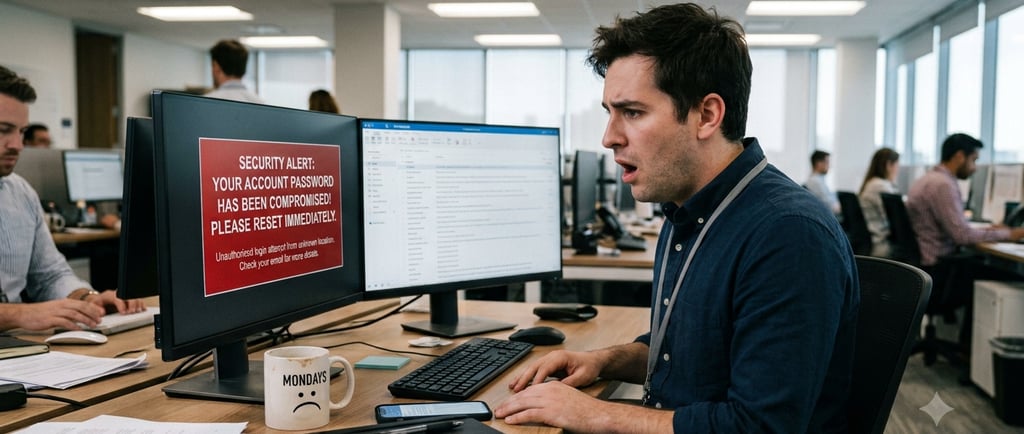
Passwords are among the most common ways people protect their online accounts, but they are also among the easiest ways to put themselves at risk accidentally. The problem usually starts with convenience. Many people reuse the same password across multiple accounts because it is easier to remember. Unfortunately, that habit can turn one compromised password into a much bigger problem.
If you use the same password for your email, banking, shopping, social media, and streaming accounts, an attacker only needs to steal or guess it once. Once that password is exposed, they may try it on other services to see what else they can access. This is why every account should have a different password. Your Netflix password should not be the same as your bank password. Your shopping account should not share the same password as your email. One leak should not become a skeleton key to your entire digital life.
A secure password manager can make this much easier. Instead of trying to remember dozens of passwords, you only need to remember one strong master password. The password manager stores your account usernames and passwords in one secure place and can help generate strong, unique passwords for each account. This removes the bad habit of reusing passwords and makes it easier to keep track of your accounts.
You should also enable multi-factor authentication (MFA) on every account that supports it. MFA requires an additional step to verify your identity, such as a code from an app, a text message, an email confirmation, or a security key. Even if someone gets your password, MFA can make it much harder for them to get into your account.
Another smart move is turning on login alerts when available. Many services can notify you when someone logs into your account from a new device or location. These alerts can give you an early warning that something is wrong. Along with alerts, periodically check your account activity to make sure you recognize the devices, locations, and login times. If you see something that does not look right, change your password immediately and review your security settings.
Password security does not have to be complicated, but it does require better habits. Use different passwords for different accounts. Store them in a trusted password manager. Enable MFA wherever possible. Turn on login alerts. Check your account activity from time to time.
The goal is simple: make sure one stolen password does not become the key to everything you own online.
Free Bitwarden Password Manager: https://bitwarden.com/go/start-free/